
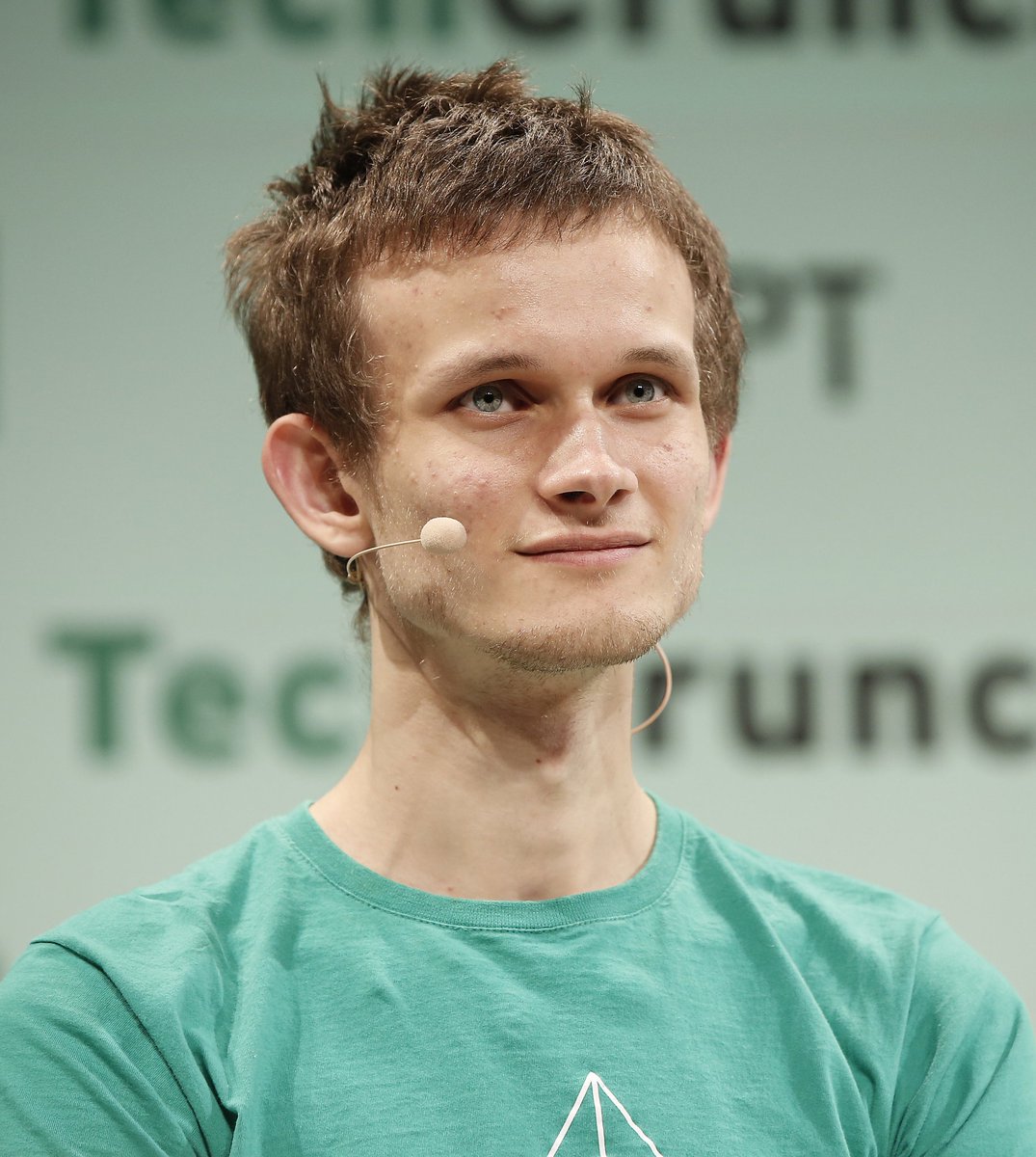
Create a realistic press-conference portrait photo of [speaker description] standing on stage, cropped from upper chest to just above the hair. He wears a [shirt color] crew-neck T-shirt with a small thin white geometric line logo partly visible near the lower center. His head is turned slightly to the viewer’s left, showing one ear and a thin beige headset microphone wire looping from the right ear down along the cheek and neck. Place a large opaque square censorship block over the entire face, centered from forehead to chin, in a flat warm beige/tan color, hiding all facial features while leaving hair, ears, neck, shirt, and microphone partly visible. The background is a softly blurred conference wall with oversized dark green/black lettering; the visible text should suggest [background event text] but remain out of focus and partially cropped. Use shallow depth of field, natural stage lighting, muted green-gray backdrop, realistic DSLR/event photography, centered composition, 4:3 aspect ratio, no added captions, no watermark.



0 Comments
👥 Co-learning Circle 0
Observe other members' variables & configurations, and click "Study & Retry" to instantly import settings and practice!